

What Is MagSafe? The Complete Guide (And Do You Actually Need a MagSafe Case?)
Guides · Published August 2026 · By Case Collection
If you've bought an iPhone in the last few years, you've almost certainly seen the word MagSafe on the box, in the accessory aisle, and on roughly every phone case you've scrolled past — including ours. But what actually is it? Is it just a charger? A magnet? Marketing?
Here's the plain-English version: MagSafe is the ring of magnets built into modern iPhones, plus the wireless charging and accessory system that clicks onto it. It's the reason a charger, a wallet, or a power bank can snap onto the back of your phone and land in exactly the right spot every time.
This guide covers what MagSafe is, how it works, which iPhones have it, how it compares to Qi2, and the honest answer to the question everyone actually wants settled: do you really need a MagSafe case, or is it a nice-to-have?
Contents
MagSafe vs Qi2 vs regular wireless charging
What can you actually do with MagSafe?
Do you actually need a MagSafe case?
What makes a good MagSafe case?
What Is MagSafe, Exactly?
MagSafe is Apple's magnetic attachment and wireless charging system for iPhone. Apple introduced it with the iPhone 12 in 2020, borrowing the “MagSafe” name from the magnetic charging cables that used to click onto MacBooks.
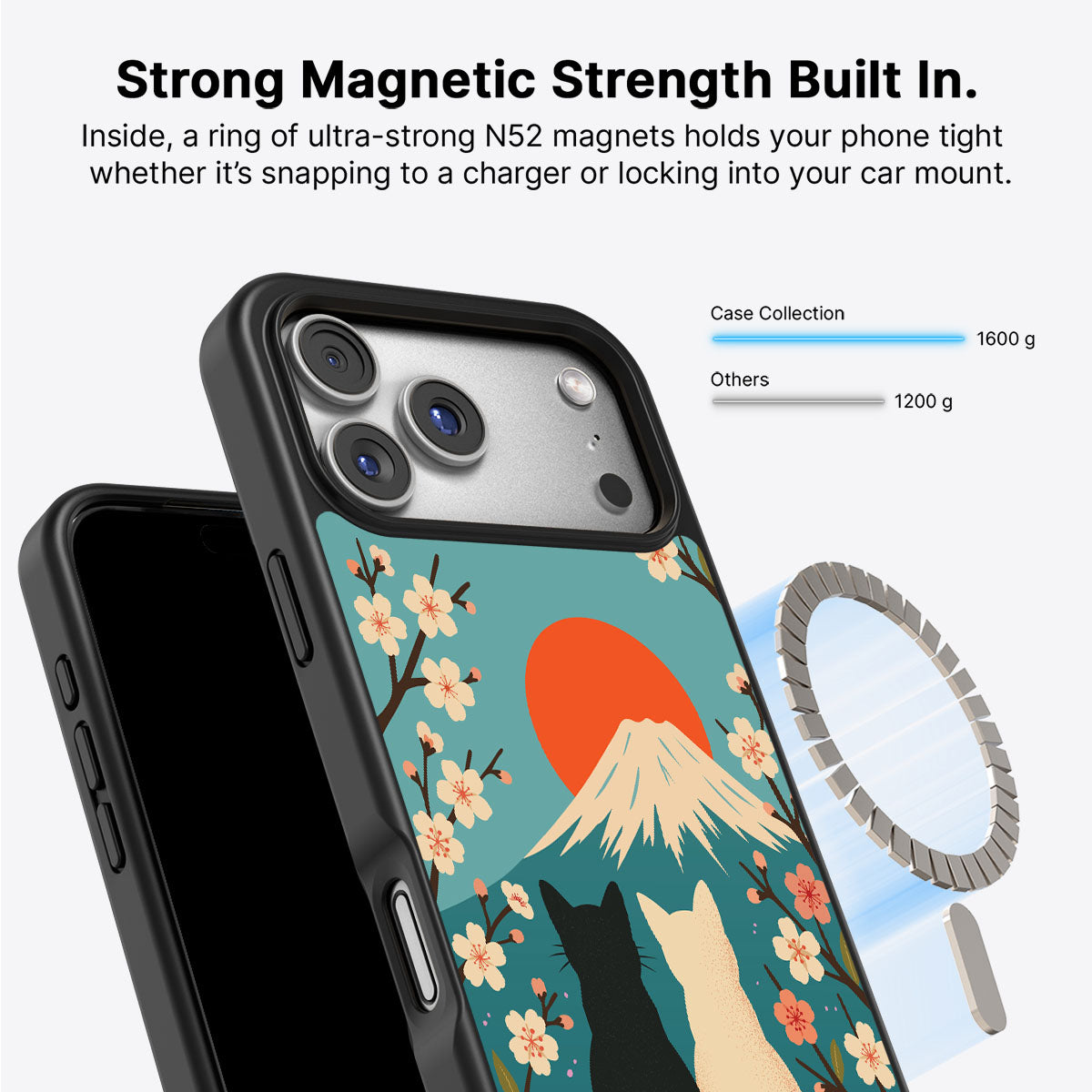
Inside the back of a MagSafe iPhone there's a ring of magnets arranged in a circle, with a few extra magnets for alignment and one for orientation. When you bring a compatible accessory close to the back of the phone, those magnets pull it into place with a satisfying click — perfectly centred, every time. No fiddling, no “is it charging or not,” no accessory sliding around.
So MagSafe is really two things working together:
- A magnetic mount — accessories snap on and stay put
- A wireless charger — power transfers through the magnetic connection, faster and more reliably than older wireless charging because the coils line up exactly

How Does MagSafe Work?
Ordinary wireless charging (the Qi standard) works by lining up a charging coil in the pad with a coil in your phone. The problem is alignment: if the phone isn't sitting in exactly the right spot, charging is slow, inefficient, or doesn't happen at all. We've all put a phone down on a pad overnight and woken up to a dead battery.
MagSafe fixes this with magnets. The ring pulls the charger into perfect coil-to-coil alignment automatically, so the energy transfer is efficient and consistent. That same magnetic ring is what lets non-charging accessories — wallets, stands, grips, mounts — attach securely too.
On charging speed: the original MagSafe charged at up to 15W. Newer iPhones (the iPhone 16 and 17 families) support up to 25W when paired with a compatible 25W MagSafe or Qi2.2 charger and a strong enough power adapter. In practice that means a meaningfully faster top-up than the 7.5W most non-MagSafe wireless charging tops out at.

Which iPhones Have MagSafe?
MagSafe is built into every iPhone from the iPhone 12 onwards — with two important exceptions worth knowing before you buy accessories.
iPhones with MagSafe built in:
- iPhone 12, 13, 14, 15, 16 and 17 series (including all Pro, Pro Max and Plus models)
- iPhone Air
iPhones that do not have MagSafe magnets:
- iPhone 16e — Apple left the magnet ring out of the more affordable 16e. It still charges wirelessly, but only at around 7.5W, and accessories won't snap on
- Older iPhone SE models — these support slow Qi wireless charging but have no MagSafe magnets
This exception matters, because it's exactly where a magnetic case earns its keep — more on that below.
MagSafe vs Qi2 vs Regular Wireless Charging
This is where things have got a little less confusing recently, not more.
Regular wireless charging (Qi) is the old, magnet-free standard. It works on almost any wireless-charging phone but is slow and fussy about alignment.
MagSafe is Apple's magnetic system — fast, aligned, and packed with a whole ecosystem of snap-on accessories.
Qi2 is the newer open industry standard that, in effect, adopted Apple's magnetic approach for everyone. Qi2 phones and chargers use the same kind of magnetic ring, and the latest Qi2.2 version supports up to 25W — matching MagSafe. The upshot: MagSafe and Qi2 accessories are now largely cross-compatible, and “MagSafe compatible” and “Qi2 compatible” increasingly mean the same magnetic snap-and-charge experience.
For you as a buyer, the takeaway is simple: if an accessory says MagSafe or Qi2, it'll click onto a modern iPhone's magnetic ring and charge efficiently.
What Can You Actually Do With MagSafe?
The magnets are the fun part, because a whole ecosystem clicks onto them:
- MagSafe chargers — snap-on pucks and stands that charge at up to 15W or 25W
- MagSafe power banks and battery packs — a portable battery that sticks to the back of your phone and tops it up on the go, no cable trailing
- MagSafe wallets — a card holder that snaps to the back of the phone (and pops off when you need to tap a card)
- Stands, car mounts, grips and tripods — anything that needs to hold your phone securely can just magnetise onto it
It turns the back of your phone into a little mounting platform. Once you've used a magnetic wallet or a snap-on battery, going back to fumbling with a cable feels ancient.
One accessory worth adding whether or not your phone has magnets: a phone charm. Every charm ships with a universal Tether Tab, so it pairs with any case on any iPhone model, MagSafe or not.

Do You Actually Need a MagSafe Case?
Here's the honest answer, because it depends on which phone you have.
If your iPhone already has MagSafe (iPhone 12 and later, except the 16e): you don't strictly need a MagSafe case — but a good one makes the whole system work noticeably better. Here's why. A regular case adds a layer of plastic between the phone's magnets and your accessory, which weakens the magnetic hold and can throw off charging alignment. Slap a heavy battery pack onto a phone in a non-MagSafe case and it may slowly slide off. A proper MagSafe case has its own magnet ring built in, perfectly aligned with the phone's, so accessories snap on with full strength and charge at full speed — case on, no compromise.
If your iPhone doesn't have MagSafe (the iPhone 16e or an older SE): a magnetic case is the only way to add the MagSafe experience. Because the case carries the magnet ring the phone is missing, snapping it on effectively gives your phone MagSafe accessory support it never had from the factory. This is the cheapest way to “upgrade” a 16e to snap-on wallets, mounts and magnetic chargers.
So: nice-to-have on a MagSafe iPhone, close to essential on one without it. Either way, if you're going to use any magnetic accessory — even just a car mount — a MagSafe case is what makes it reliable.
What Makes a Good MagSafe Case?
Not all “MagSafe compatible” cases are equal. A few things separate the ones worth buying:
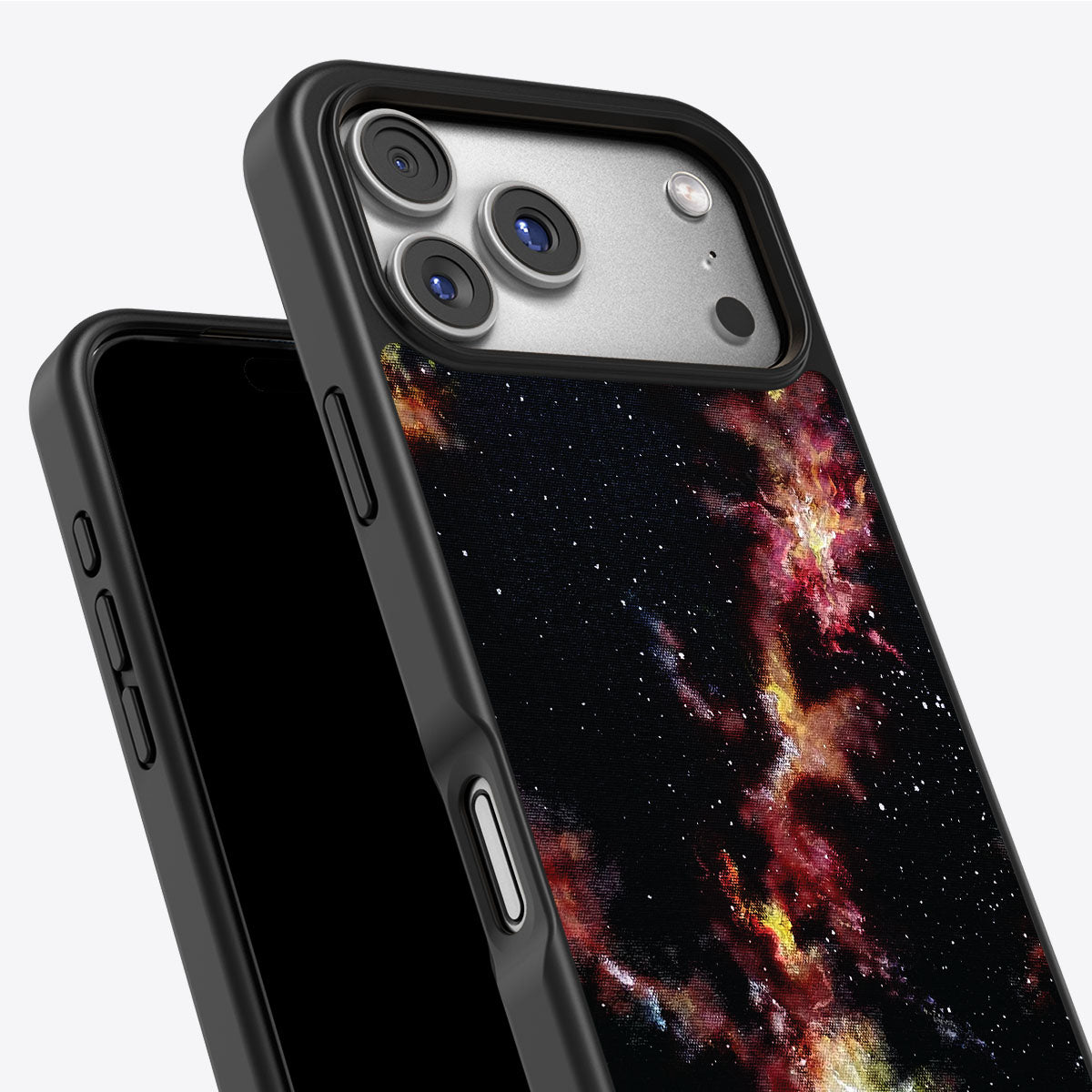
- Strong, correctly aligned magnets — the whole point is a confident snap and full-speed charging. Ours use N52 magnets with 1600g of hold
- Real drop protection — magnets are useless if the case doesn't protect the phone. Ours is drop-tested to 10ft with our CoreShock™ construction
- A slim profile — a good MagSafe case protects without turning your phone into a brick
- Materials you feel good about — a case lives on your phone all day, every day. Ours are made with 50% recycled materials
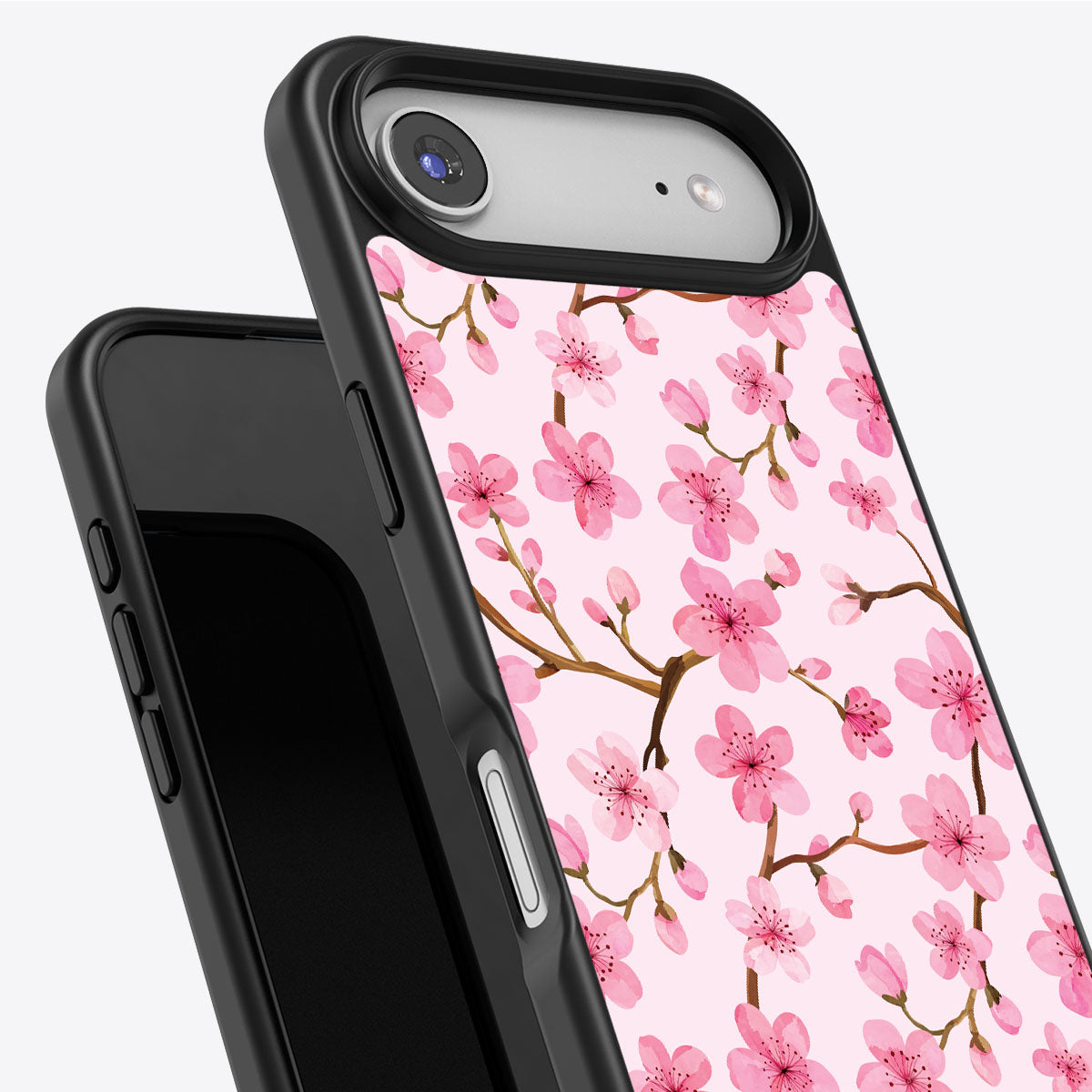
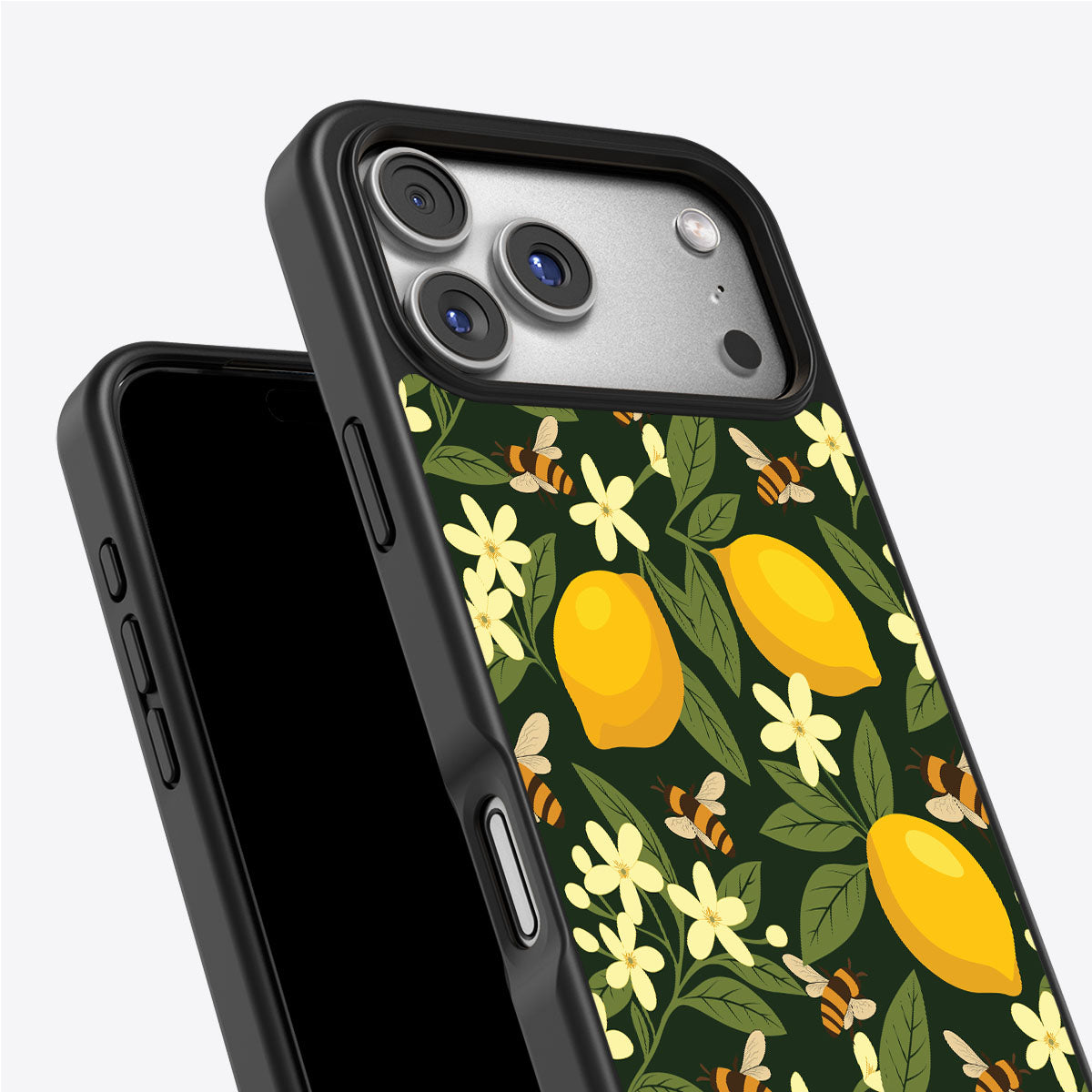
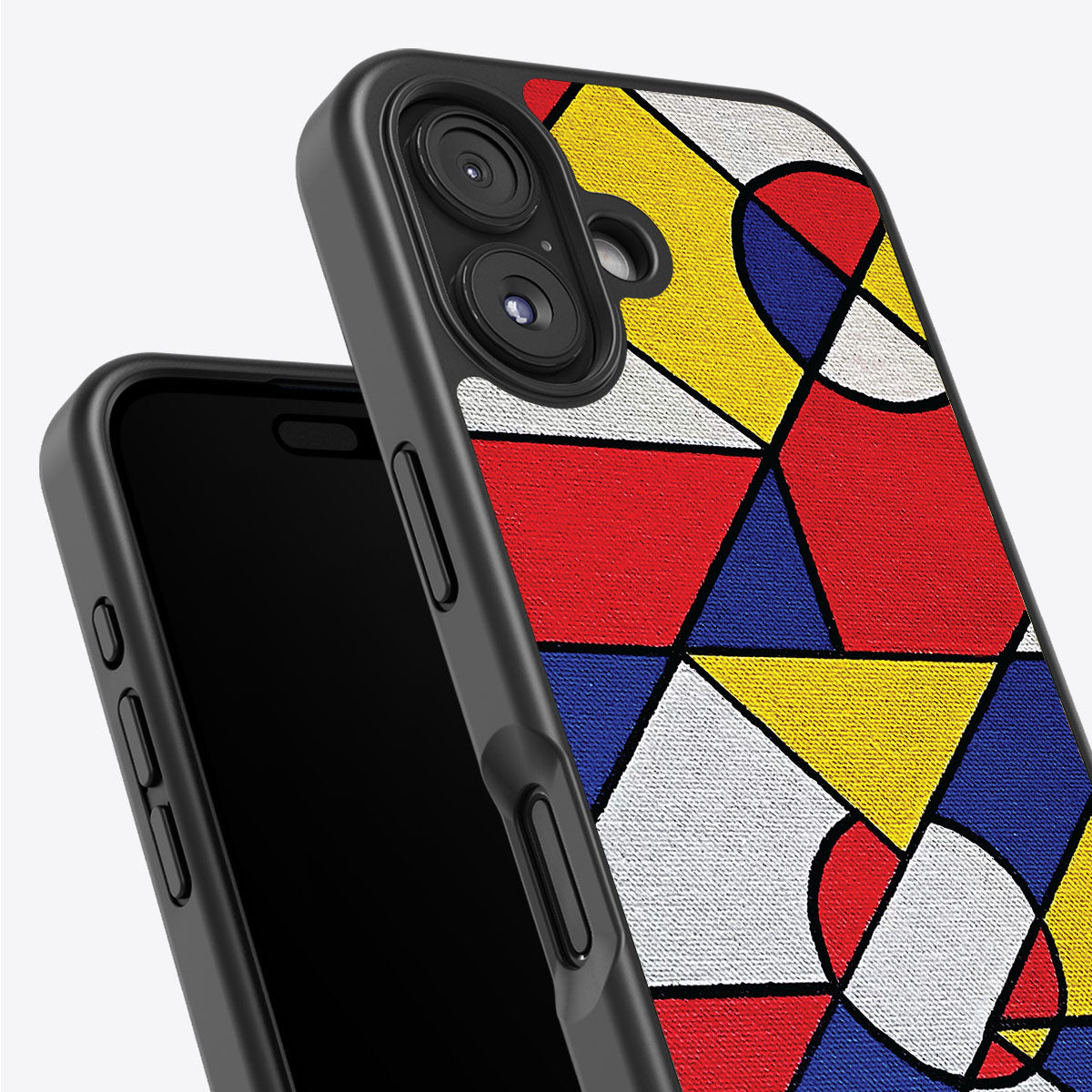
- A design you actually like — it's the most-seen object you own. Every Case Collection case features an original design by an emerging artist, printed in our London studio


Navy Whisper — iPhone Case
Shop now →The Bottom Line
MagSafe is the magnetic ring and wireless charging system that turns the back of your iPhone into a mounting point for chargers, wallets, batteries and mounts. Most iPhones from the 12 onwards have it built in — and for those that don't, a magnetic case adds it.
Do you need a MagSafe case? If you use any magnetic accessory at all, or you want charging and accessories to work at full strength, the answer is yes. And if you're going to have a case on your phone anyway, it may as well be one that snaps on properly, protects properly, and looks like something you chose on purpose.
Every Case Collection design is MagSafe-ready with N52 magnets and 1600g of hold, drop-tested to 10ft, and made for every iPhone model.
All specifications correct at time of publication. Case Collection ships to the UK, Europe, and worldwide.
Frequently asked questions
Does MagSafe work through a case?
Yes — MagSafe charging works through most thin cases, but the magnetic hold is much weaker unless the case has its own MagSafe magnet ring. For the full snap-and-charge experience, use a MagSafe case.
Can I use MagSafe without a case?
Absolutely. If your iPhone has MagSafe built in, accessories snap straight onto the bare phone. A case just protects the phone and, if it's a MagSafe case, preserves the full magnetic strength.
Is MagSafe bad for your battery?
No. MagSafe charging is designed by Apple to manage heat and charge levels safely, and iPhones include battery-health features to protect long-term capacity. It's no harder on your battery than any other charging method.
Will MagSafe accessories work with Qi2?
Generally yes. Qi2 uses the same magnetic ring concept, so MagSafe and Qi2 accessories are largely cross-compatible on modern iPhones.
Does the iPhone 16e have MagSafe?
No — the 16e has no magnet ring and charges wirelessly at around 7.5W. A magnetic MagSafe case is the way to add snap-on accessory support.
How fast does MagSafe charge?
Up to 15W on most MagSafe iPhones, and up to 25W on the iPhone 16 and 17 families when paired with a compatible 25W MagSafe or Qi2.2 charger and a strong enough power adapter.
Read more
iPhone 18 release date, rumoured colours (hello, Dark Cherry) and what's new on the 18 Pro & Pro Max — plus how to protect your new iPhone from day one.
Discover the aesthetic phone case trends defining 2026 — from art-led prints to earthy tones and Y2K charms — plus a simple guide to choosing a case that fits your style.